


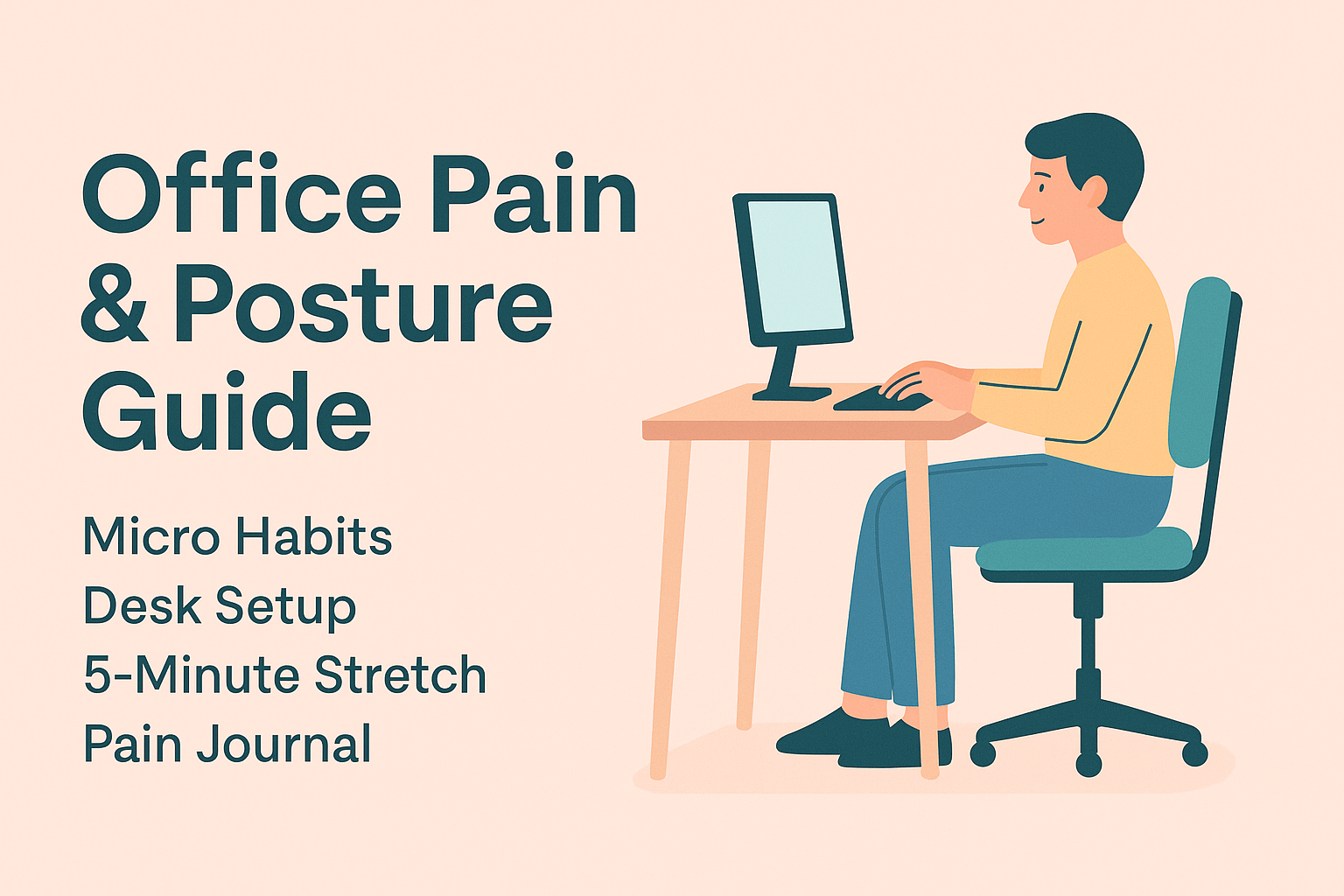
Small changes, big relief. Repeat this loop daily: micro-habits → desk setup → micro-stretch → pain log.
Health info here is general education, not medical advice. See a professional for persistent/worsening symptoms.
🧭 At-a-Glance
- Neck / Shoulders / Wrists / Lower Back: 20 micro-habits you can apply at your desk
- Desk Setup: 18-point checklist for monitor/chair/keyboard/mouse/footrest
- “5-Minute” Micro-Stretch: 10 moves you can fit into any break
- Pain Log Template: Table + quick note format to spot triggers
🪶 1) Micro-Habits by Area (doable immediately)
Work in focus blocks followed by brief resets: stand up, look far, move joints gently.
🦒 Neck
- Chin tucks × 5: ears stacked over shoulders; gently pull the chin back, hold ~3s.
- 20-20-20 eyes: every 20 minutes, look 20 feet (6 m) away for ~20s.
- Phone at eye level; keep neck flexion under ~15° when possible.
- Primary monitor centered if using multiple screens.
🧲 Shoulders
- Set the shoulders: glide slightly back and down; hold briefly × 5.
- Use armrests: elbows ~90–110° to reduce upper-trap tension.
- On calls: no shoulder-to-ear clamping—use a headset.
✋ Wrists & Hands
- Neutral wrist while typing (no bend).
- Mouse hand swap: try the other side for short periods to distribute load.
- Mini stretches: finger spread 10s × 3; wrist flexion/extension 10s × 3.
- Shortcut mindset: rely on hotkeys to cut mousing volume.
🪑 Lower Back & Pelvis
- Feet flat; add a footrest if needed.
- Seated core set: gentle lower-ab brace during exhale; brief holds × 5 (no bracing hard).
- Sit back into the backrest with lumbar support.
- Stand breaks: take calls/meetings on your feet when possible.
🧰 2) Desk Setup Checklist (improve 1–2 items at a time)
🖥️ Monitor
- Top bezel at about eye level (±3 cm)
- Viewing distance arm’s length (~50–70 cm)
- Tilt ~10–20° back
- Dual setup: primary monitor centered, secondary within ~30° to the side
🪑 Chair
- Seat height: knees ~90–100°, feet fully supported
- Seat depth: two–three finger gap behind knees
- Lumbar support to maintain a gentle lumbar curve
- Armrests near desk height so shoulders stay relaxed
⌨️ Desk & Input Devices
- Desk height: elbows ~90–100° while typing
- Keyboard centered (G/H over navel)
- Mouse same height as keyboard, close to the body
- Palm rest: for resting only, not during active typing
🦶 Feet & Environment
- Footrest (or sturdy box) if needed
- Lighting: side-lit to reduce glare
- Clear cables/obstacles under desk to allow frequent posture changes
🧘 3) “5-Minute” Micro-Stretch Routine (no timestamps needed)
Skip any move that provokes pain. If pain ≥ 5/10, stop and consult a professional.
As a rule of thumb, use 3–5 breaths per position or light 15–20 reps.
- Neck side bend (L/R) — lightly tilt ear toward shoulder while the other hand anchors the chair
- Scapular retraction — draw shoulder blades back and slightly down, brief hold
- Chest opener — doorway stretch; keep shoulders down
- Wrist extension & flexion stretches — arm straight, draw palm/knuckles toward you
- Finger splay & gentle fist cycles
- Seated trunk rotation (L/R) — rotate gently without over-arching the low back
- Hamstring light stretch — one leg out, toes up, micro-hinge forward
- Glute self-release — shift weight on seat to find mild pressure points, small oscillations
- Breath reset — longer exhale than inhale; drop shoulder tension
- (Optional standing add-on) Choose one: calf stretch / wall-assisted upper-trap release / low step-ups
📝 4) Pain Log Template (copy-paste ready)
📊 Table Version (Markdown/Notion/Evernote-friendly)
| Date | Area (Neck/Shoulder/Wrist/Low Back) | Intensity (0–10) | Trigger (posture/task) | Activity at the time | What I did (stretch/rest/meds) | Change after ~30 min | Notes |
|---|---|---|---|---|---|---|---|
| 2025-11-02 | Neck | 5 | Low laptop screen | Email drafting | Micro-routine; raised monitor | Down to 3 | Slight recurrence late PM |
🧾 Quick Note Format (for any notes app)
- Date/Time:
- Area & Intensity (0–10):
- Trigger:
- Today’s task:
- Action taken:
- Change after ~30 min (↑/↓/→):
- Notes / Next action:
🗓️ Weekly Review (5 minutes on Sunday)
- Avg pain this week? vs. last week (↑/↓/→)
- One action that helped most?
- One habit that made it worse? (stop/replace next week)
- If you improved one desk item next week, what would it be?
🗂️ 5) Daily Playbook (Example)
- Start of day → 30-second check: back fully against chair, feet supported, monitor at eye level
- Each focus block → short reset + water
- After lunch → run the micro-stretch routine
- Mid-afternoon meeting → take it standing
- 10 minutes before wrap-up → log pain once
⚠️ 6) Common Mistakes & Quick Fixes
- Over-thick lumbar cushions → can over-arch the back → switch to thin/firm support
- Always using palm rests while typing → increases wrist pressure → use only during breaks
- Laptop alone → screen too low → add stand + external keyboard/mouse
- Stretching too hard/too long → rebound soreness → go short, frequent, pain ≤ 4/10
ℹ️ Notes & References
This guide is general information, not medical advice. Seek care for persistent/worsening pain, numbness/tingling, or weakness.
Helpful resources: occupational MSK guides (national safety agencies), Mayo Clinic ergonomics, NHS work-related MSK advice, NIOSH/OSHA VDT posture guides.
📥 Copy Blocks (WordPress-ready)
✅ Mini Desk Check (each morning)
- Top bezel ≈ eye level / arm’s-length distance
- Hips back to the backrest / lumbar support on
- Elbows ~90–100° / wrists neutral
- Mouse close to keyboard / both feet supported
⏱️ Micro-Stretch Flow (no timestamps)
- Neck side bend (L/R) → Scap retraction → Chest opener → Wrist ext/flex → Finger splay/fist cycles → Seated trunk rotation → Hamstring light stretch → Glute self-release → Breath reset (+ one optional standing move)
🗒️ One-Line Pain Log
[Date/Time] (Area) Intensity:( )/10 | Trigger:( ) | Action:( ) | After ~30 min:(↑/↓/→) | Notes:( )
댓글 남기기